

If your team is flooded with alerts but still unsure what deserves immediate action, the answer is not more dashboards. It is a tighter incident triage workflow, one that validates signal, adds business context, assigns clear ownership, and moves real threats into containment fast.135
A mature incident triage workflow turns noisy detection into disciplined action. It standardizes how your team classifies alerts, confirms what is real, protects high-value systems first, and hands off only the work that truly needs deeper investigation. That matters because incident response is now a core part of cybersecurity risk management, not a side process you improvise under pressure.12

Need a triage process your team can actually run under pressure?
MSP Corp helps organizations standardize security operations with managed cybersecurity services, Microsoft Sentinel expertise, and 24/7 monitoring that prioritizes what matters first. If your alerts feel noisy, reactive, or hard to action, we can help you build a workflow that turns signal into containment.
What an incident triage workflow is, and what it is not
An incident triage workflow is the repeatable path from first signal to confirmed action. It tells your team how to intake alerts, add context, determine whether the event is benign or suspicious, score business impact, assign an owner, trigger containment, and hand the case into investigation, recovery, and lessons learned.12
It is not a vague instruction to “look into it later,” and it is not a queue full of unactioned detections. Strong triage exists to protect business-critical systems first. The Canadian Centre for Cyber Security recommends identifying the systems and information of value before you build the plan, while CISA’s ransomware guidance stresses restoring according to a predefined critical asset list rather than guessing under stress.28
| Signal type | What it means | Typical owner | Desired output |
|---|---|---|---|
| Alert | A tool-generated signal that may or may not reflect real malicious activity. | SIEM, EDR, email security, identity platform | Enrichment, validation, and disposition |
| Incident | A confirmed or high-confidence event that needs coordinated response and evidence handling. | Security analyst, IT lead, incident commander | Containment, investigation, communication, recovery |
| Ticket or task | The operational work item that ensures a response action actually gets done. | IT operations, security operations, third-party responder | Trackable remediation, ownership, due date |
Key takeaway: Do not let every alert become a ticket, and do not let every ticket masquerade as an incident.
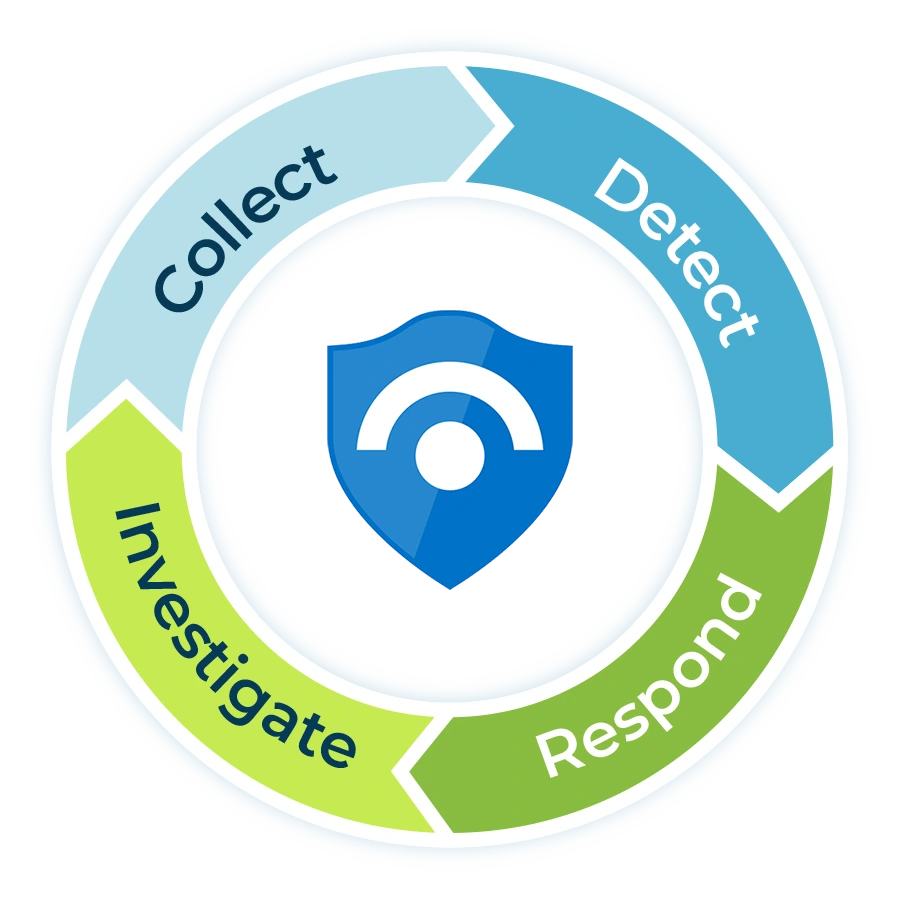
A practical incident triage workflow, step by step
The workflow below is designed for Canadian SMB and mid-market environments where internal IT is lean, security ownership is shared, and response quality depends on disciplined handoffs. It also maps well to a modern SIEM and SOAR stack such as Microsoft Sentinel, where automation rules, incident tasks, and playbooks help standardize the work.91011
Ingest and normalize the signal
Start by pulling alerts into one queue with consistent fields: source, timestamp, entity, asset, user, severity, MITRE tactic, environment, and any linked identity or endpoint metadata. Triage breaks down when every tool describes risk differently.
This is where correlation matters. Duplicate alerts, linked detections, and repeated events from the same host or identity should be grouped so analysts do not waste time investigating the same story three times.
Enrich with business context before you classify
Context is what turns a raw detection into a real triage decision. Add asset criticality, business owner, geographic location, identity role, device posture, exposure to the internet, open incident history, and whether the user or system supports revenue, regulated data, or customer operations.
Use this step to check whether the alert touches systems already documented in your written incident response plan, any business continuity priorities and recovery owners, or known gaps from prior risk reviews.
Validate whether it is true, false, or needs more evidence
Your goal is not to prove every alert malicious. Your goal is to decide what it is, what it affects, and what should happen next. Use quick validation checks: impossible travel plus successful sign-in, impossible travel plus MFA challenge failure, endpoint execution plus child process behavior, email click plus token replay, firewall block plus repeated lateral movement attempts, and so on.
When there is not enough evidence, classify the event as needs more evidence and set a short follow-up task. That keeps the queue honest without prematurely closing something important.
Assign severity using impact first, confidence second
Confidence without impact causes overreaction. Impact without confidence causes paralysis. A good severity model balances both. For example, a medium-confidence detection on a privileged identity tied to sensitive systems may warrant faster action than a high-confidence malware detection isolated to a kiosk with no business dependency.
This is also where known threat trends should influence urgency. Verizon’s 2025 DBIR found exploitation of vulnerabilities continued to rise, especially around edge devices and VPNs, which means internet-facing infrastructure and remote access alerts deserve sharper attention than many teams still give them.5
Trigger containment as soon as the threshold is met
Containment should begin when you cross the response threshold, not when the entire investigation is complete. Disable a risky session, isolate a host, block a sender, revoke tokens, require password reset, disable VPN access, or restrict lateral movement paths. CISA specifically recommends identifying systems and accounts involved in the breach, preserving relevant evidence, and restoring from offline, encrypted backups according to criticality when recovery begins.8
Identity and access events often show up here. When risky sign-ins keep passing basic controls, teams usually need stronger conditional access and step-up policies, not just another MFA checkbox. That is why it helps to align triage with broader access hardening work such as adding Conditional Access the right way and improving your remote access posture beyond traditional VPN dependence.
Move the confirmed incident into investigation and coordinated action
Once an event is confirmed, the triage stage should hand over a complete packet: incident summary, affected entities, working hypothesis, initial timeline, containment actions taken, remaining risks, evidence locations, and executive impact statement if relevant. This is where a SIEM and SOAR platform should automatically create tasks, assign owners, and launch approved playbooks for consistency.91011
For infrastructure events, documented runbooks matter just as much as detections. Keep service-specific response playbooks for outages and platform failures, and use controlled network changes to contain risk without creating self-inflicted downtime. If firewall changes are part of containment, your team should already know how to review firewall rules without breaking business apps.
Recover, document, and feed the lessons back into detection
Triage is not complete when the queue item is closed. Recovery should reconnect clean systems safely, confirm controls are restored, document what failed, and push those lessons back into analytics, playbooks, firewall reviews, endpoint policy, and backup validation.8
This feedback loop is where the workflow starts getting better instead of just getting busier. It is also where leadership sees value, because the team can show reduced duplicate alerts, faster containment, clearer ownership, and fewer repeat incidents.
A severity and SLA matrix your team can use
Most mid-market teams do better with a simple severity model than an overly clever one. The matrix below is a practical starting point you can tailor by industry, insurance requirements, and internal staffing model.
| Severity | Typical example | Initial triage target | First owner | Expected first action |
|---|---|---|---|---|
| Critical | Confirmed compromise of privileged identity, ransomware indicators on production systems, active data exfiltration, business outage tied to security event | 15 minutes | Security lead or managed SOC | Contain immediately, preserve evidence, notify leadership |
| High | Confirmed malware execution, repeated impossible travel on admin account, suspicious changes to security controls, internet-facing exploitation attempt with evidence of follow-on activity | 1 hour | Security analyst or senior IT owner | Validate scope, isolate asset, create incident tasks |
| Medium | Single suspicious sign-in, one-off risky process chain, anomalous outbound traffic with limited impact evidence | 4 hours | Tier 1 or co-managed analyst | Enrich context, collect evidence, escalate if impact increases |
| Low | Known false-positive pattern, expected tool behavior, blocked activity without persistence indicators | 1 business day | Tier 1 analyst or automation | Close with reason code, tune detection if needed |
Key takeaway: Severity should drive action windows, not just labels on a dashboard.
Standardize your triage before the next high-impact alert lands
MSP Corp can help you map alert sources, define severity rules, document escalation paths, and connect triage to 24/7 monitoring, Microsoft Sentinel automation, and managed response. That gives your team a repeatable workflow instead of a reactive scramble.
What to automate, and what should stay human
Automation is most valuable when it removes repetitive work without hiding risk. Microsoft Sentinel’s automation rules can tag, assign, or close incidents, while playbooks can trigger broader remediation and cross-system orchestration.91112 Use that power selectively.
Strong automation candidates
- Duplicate suppression and correlation
- Entity enrichment, lookups, and threat intel checks
- Incident tagging, assignment, and priority routing
- Task creation for standard analyst checks
- Ticket creation in ITSM platforms
- Notification to Teams, Slack, or on-call channels
- Low-risk closure when a rule has mature confidence and evidence
Decisions that should stay human
- Business impact assessment for critical users or systems
- Containment steps that disrupt operations or customer access
- Legal, privacy, insurance, and executive escalation
- Ambiguous identity attacks that may involve user travel, third parties, or shared devices
- Communication strategy to clients, vendors, or leadership
- Final closure on incidents with unresolved root cause
Common triage mistakes that slow response
Using tool severity as business severity
Vendor labels are helpful inputs, not final decisions. High severity from a tool can still be low business impact, and the reverse is often true.
No critical asset map
If the team cannot identify which systems matter most, restoration and escalation become guesswork. Cyber Centre and CISA guidance both point back to this prep step.28
Separating triage from playbooks
When triage does not connect to documented actions, the case stalls after validation. Keep response playbooks for common identity, endpoint, network, and infrastructure scenarios.
Ignoring internet-facing exposure
Vulnerability exploitation continues to rise, especially around remote access and edge infrastructure. Those alerts deserve a lower threshold for escalation.5
Closing alerts without tuning
Every false positive should improve a rule, threshold, or suppression path. Otherwise the queue fills with the same noise next week.
How to operationalize this workflow in a mid-market environment
For most organizations, the fastest path is not hiring a full internal SOC from scratch. It is combining internal ownership with external expertise and a documented operating model. That can include:
- A central detection layer, such as Microsoft Sentinel services, to normalize, correlate, and automate security operations.
- A managed response function, such as 24/7 SOC coverage through Guardian Shield MDR, to keep critical alerts from waiting until business hours.
- A commercial security backbone, such as managed cybersecurity services, so triage ties directly into remediation, risk assessment, hardening, and reporting.
- Documented handoffs between IT, leadership, compliance, and third-party responders.
- Measured outcomes like triage time, false-positive rate, containment time, and repeat incident volume.
This model is especially useful in Canadian SMB and mid-market teams where ransomware remains a live business risk and formal incident response maturity is uneven across industries.67
FAQ
What is an incident triage workflow?
An incident triage workflow is the process your team uses to validate alerts, enrich context, assign severity, route ownership, trigger containment, and move confirmed incidents into investigation, recovery, and lessons learned. It is the operating system behind effective security response, not just a queue review ritual.
What is the difference between an alert and an incident?
An alert is a signal from a security tool. An incident is a confirmed or high-confidence event that needs coordinated response. Good triage prevents every alert from becoming an incident, while ensuring real threats do not sit in limbo.
How fast should triage happen?
Critical alerts tied to privileged identities, production systems, data exfiltration, or ransomware indicators should be triaged within minutes, not hours. Lower-risk events can follow a slower SLA, but the threshold should be documented in advance and tied to business impact.
How much of triage should be automated?
Automate the repetitive, evidence-heavy steps such as enrichment, tagging, correlation, task creation, and standard notification. Keep human review for business-impact decisions, destructive containment steps, executive communications, and ambiguous cases that cross security, privacy, or operational boundaries.
Which teams should own incident triage?
In most mid-market organizations, triage is shared between internal IT, a security lead or vCISO, and a managed SOC or MDR partner. The key requirement is clarity: one team owns the queue, one person owns escalation, and everyone knows the handoff points.
Where should we start if our current workflow is messy?
Start with five basics: define alert vs incident, map critical assets, create a four-level severity model, document the first containment actions for common scenarios, and automate ticketing and notification for confirmed incident types. Then tune based on repeat false positives and real incident reviews.
Build a workflow that gets your team from alert to action, faster
If you need a cleaner incident queue, stronger response discipline, or better 24/7 coverage, MSP Corp can help you define the workflow, connect the tools, and operationalize the response model around your environment.
References
- NIST. NIST Revises SP 800-61: Incident Response Recommendations and Considerations for Cybersecurity Risk Management.
- Canadian Centre for Cyber Security. Developing your incident response plan (ITSAP.40.003).
- IBM. Surging data breach disruption drives costs to record highs.
- IBM. 2024 Cost of a Data Breach findings on multi-environment data and containment time.
- Verizon. 2025 Data Breach Investigations Report.
- Verizon. 2025 DBIR findings on ransomware impact for SMBs.
- Canadian Centre for Cyber Security. Ransomware.
- CISA. #StopRansomware Guide.
- Microsoft Learn. Automation in Microsoft Sentinel.
- Microsoft Learn. Create incident tasks in Microsoft Sentinel using automation rules.
- Microsoft Learn. Automate threat response with playbooks in Microsoft Sentinel.
- Microsoft Learn. Supported triggers and actions in Microsoft Sentinel playbooks.